Updated April 2026
Originally published April 2023
Passthrough AR porn looks simple when you’re watching it.
A performer appears in your room, placed into your space in real time.
But that result is built on a layered production pipeline—combining VR capture, compositing, encoding, and playback systems that all have to work together.
There is no single way to create passthrough AR content. In practice, the industry uses several different workflows, each with its own strengths, limitations, and technical trade-offs.
Understanding how passthrough AR porn is made also helps explain why some scenes feel more realistic than others. If you’re interested in the viewing experience itself, you can read our breakdown of why passthrough AR porn feels so real.
The main production methods are:
- green screen, also known as chroma key production
- alpha channel passthrough
- VR-to-AR conversion
- passthrough-first filming
- volumetric capture
- CGI and real-time 3D rendering
Each method solves a different technical problem, and each comes with its own trade-offs in quality, cost, and scalability.
🎬 Stage 1: VR Capture (The Foundation Layer)

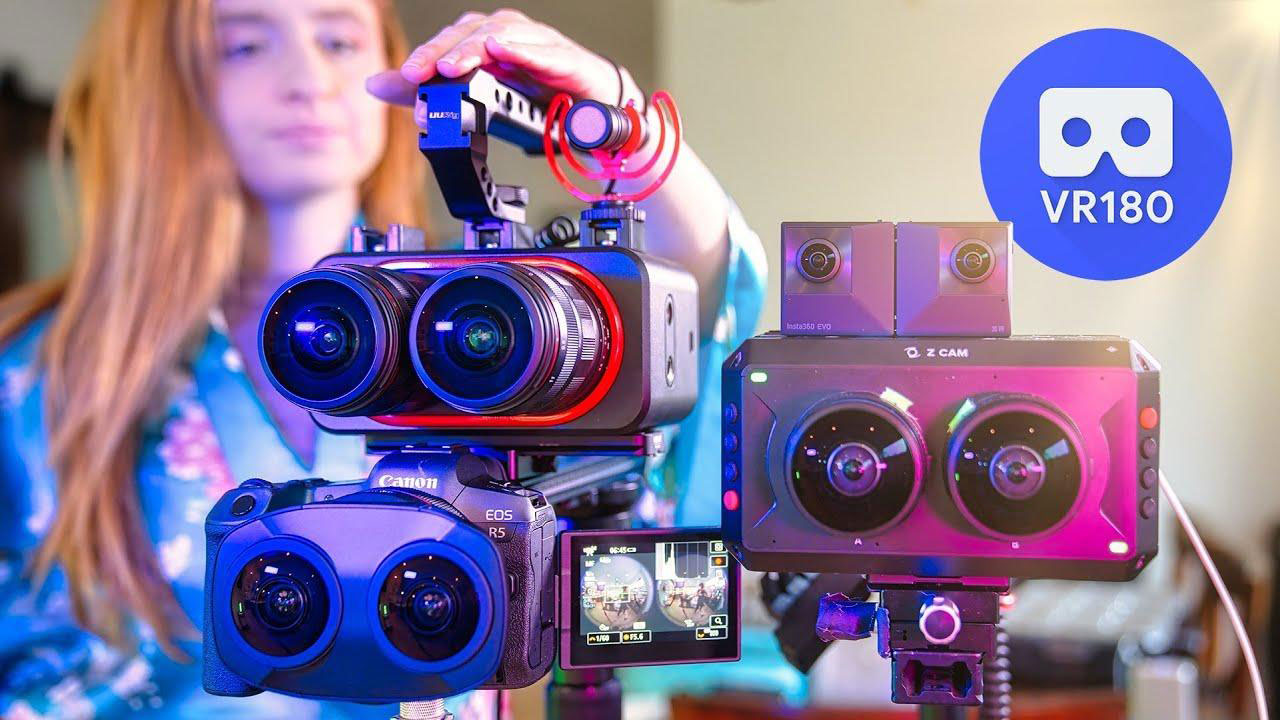
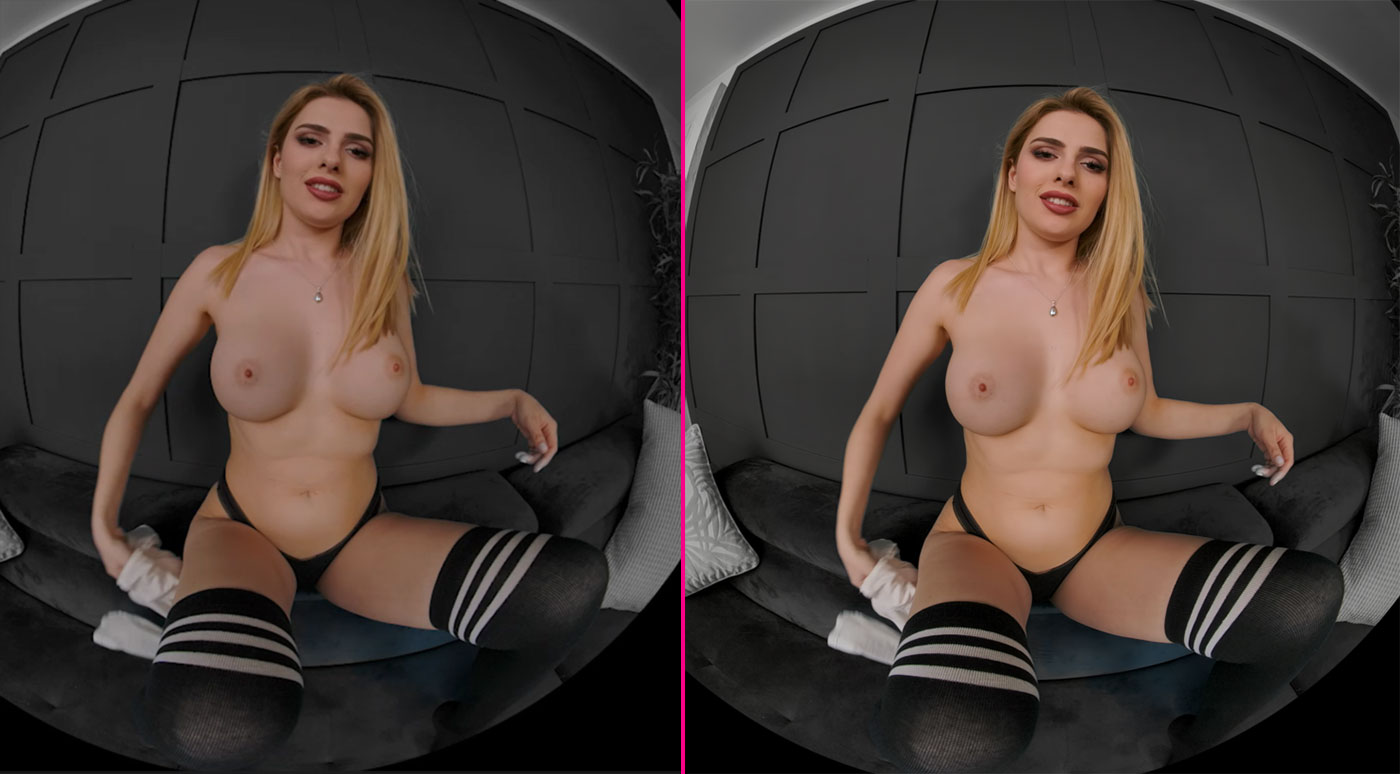
Almost all passthrough AR porn starts the same way: as stereoscopic VR180 footage.
This matters more than most people realise.
VR cameras don’t just record video—they capture two slightly different perspectives (one for each eye). That difference creates depth through something called binocular disparity.
In practice, this is what allows a performer to feel like they’re positioned in front of you rather than just on a flat screen.
However, there’s an important limitation here:
👉 The camera position is fixed.
That means:
- viewer height is assumed
- distance is predetermined
- perspective cannot adapt to your real-world position
This is why passthrough content often feels most “correct” when you align yourself with the intended viewpoint.
Studios that understand this will:
- shoot at realistic eye level
- optimise distance for intimacy
- design scenes around expected viewer positioning
This is one of the earliest decisions that affects realism later on—even before passthrough processing begins.
🟢 Green Screen (Chroma Key) — The Core Workflow
Green screen remains one of the most common methods for creating passthrough content.
It works because it integrates directly into existing VR filming pipelines.
🎥 How It’s Filmed
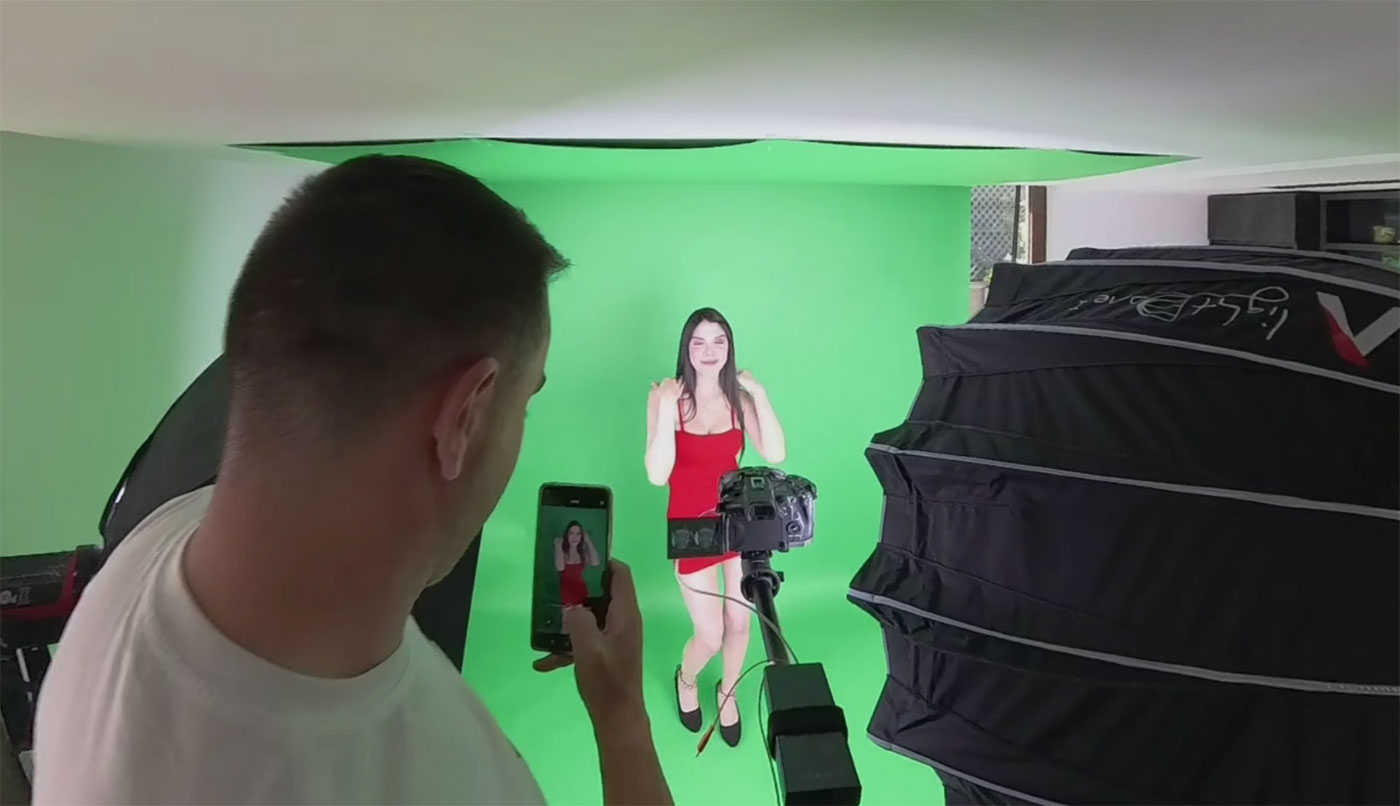
A typical chroma setup includes:
- a stereoscopic 180° camera rig
- evenly lit green walls or fabric
- controlled lighting with consistent colour temperature
Lighting uniformity is critical.
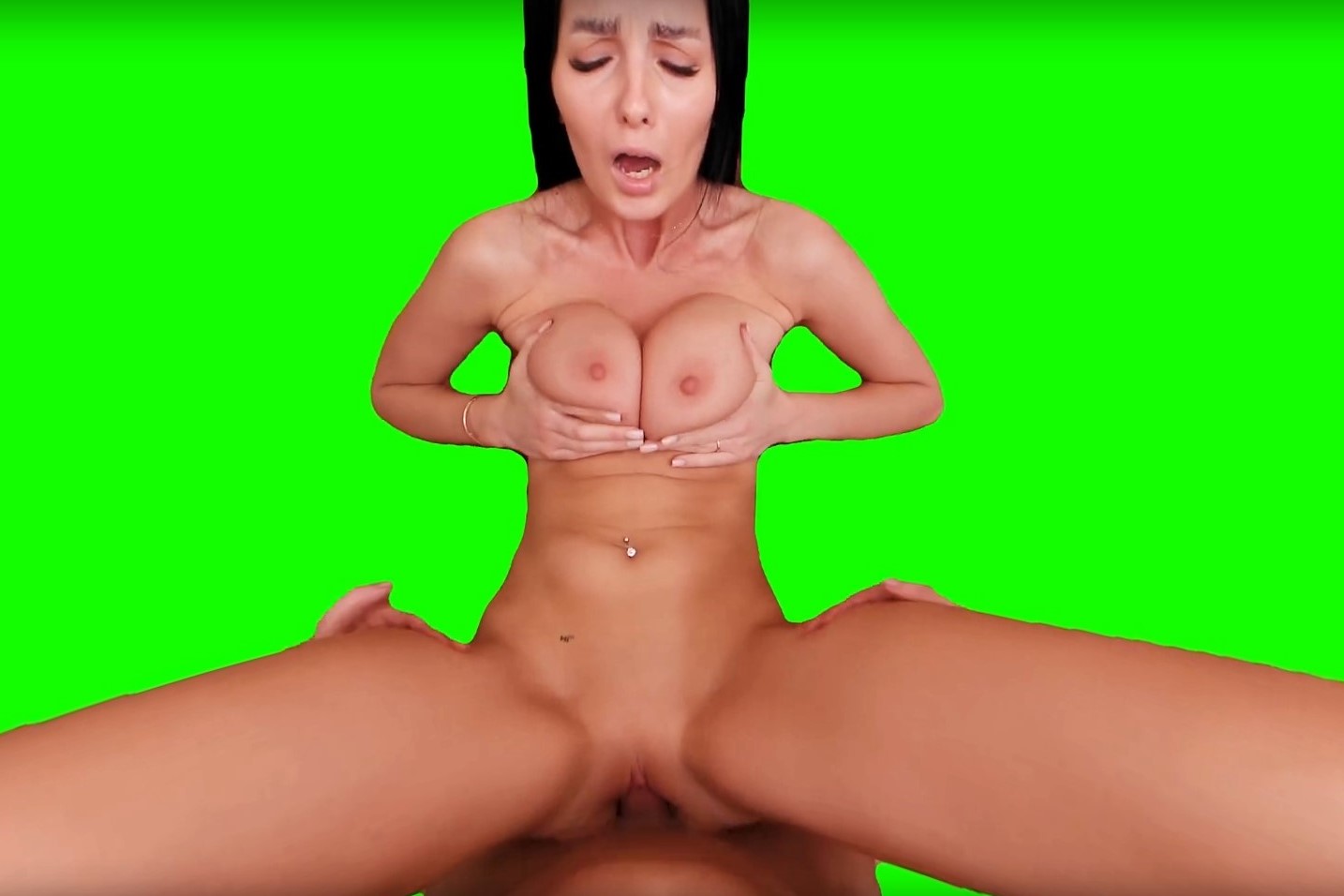
At a basic level, chroma key works by isolating a specific colour range and removing it from the image. If the green background isn’t evenly lit, parts of it won’t be removed cleanly.
Performers are also positioned away from the backdrop to reduce green spill, where reflected colour contaminates edge pixels.
🧪 How It’s Processed
During post-production:
- the green colour range is isolated
- those pixels are removed
- edge refinement is applied
More advanced workflows may include:
- rotoscoping
- AI-assisted segmentation
- temporal smoothing
In practice, the cleaner the original footage, the less aggressive this processing needs to be.
⚙️ Playback Behaviour
With chroma workflows, background removal may still happen during playback.
What this means is the headset or player is actively processing the image in real time.
This can introduce variability depending on:
- device performance
- player implementation
- scene complexity
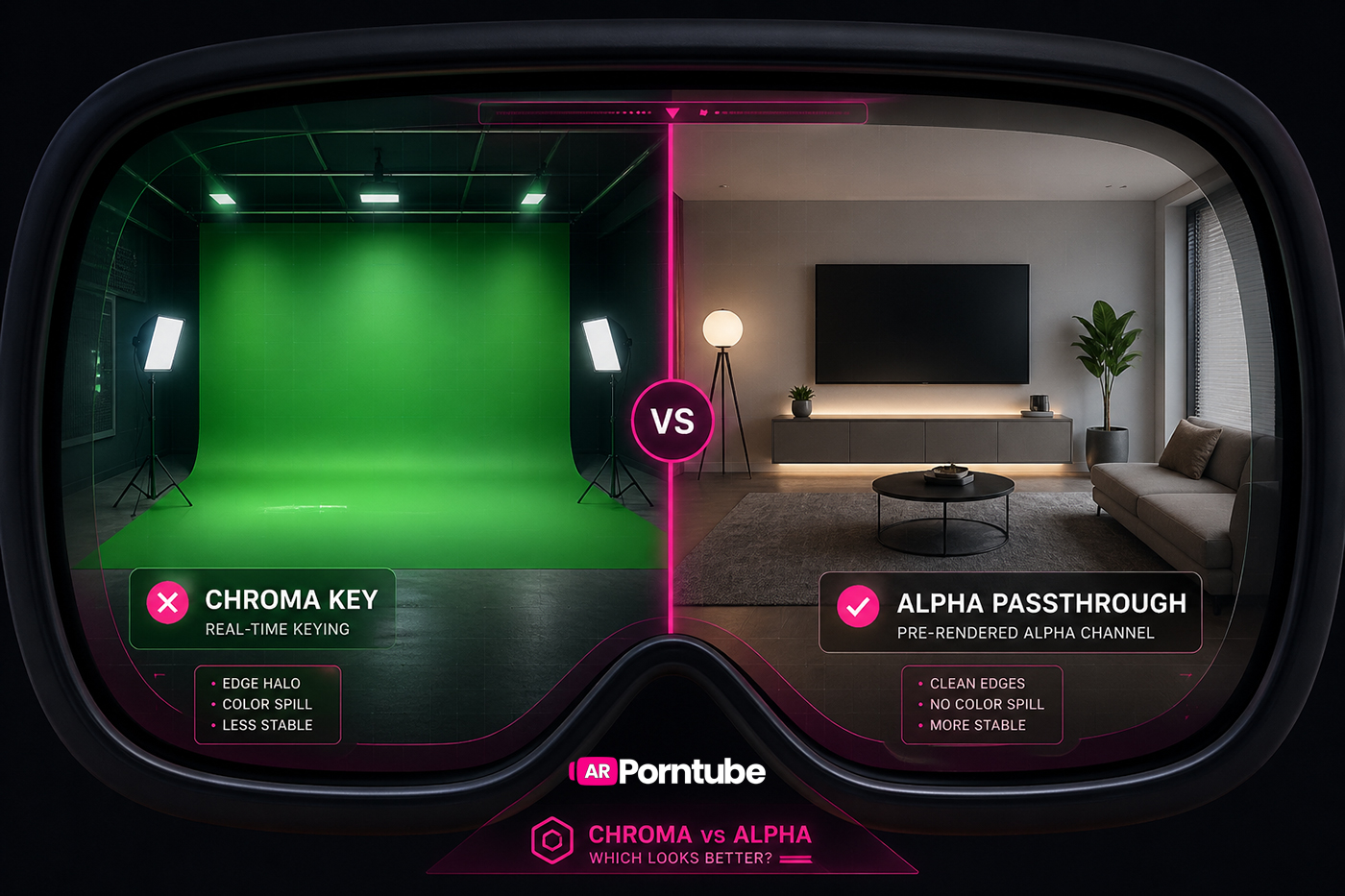
While this method is widely used, the final visual quality can vary depending on how the background is removed and processed. We break down those differences in more detail in our comparison of alpha vs chroma passthrough.
Pros & Trade-offs
Pros:
- ✔ low production cost
- ✔ compatible with existing VR workflows
- ✔ fast turnaround
Trade-offs:
- ✖ edge quality depends heavily on lighting precision
- ✖ fine details like hair or motion blur are harder to preserve
- ✖ real-time processing can introduce inconsistency
🔵 Alpha Channel Passthrough — Precomputed Transparency
Alpha passthrough builds on chroma workflows, but shifts the heavy lifting into post-production.
Instead of removing the background during playback, transparency is embedded directly into the video.
🎥 Capture Stage
Most alpha workflows still begin with green screen filming.
However, shoots are typically more controlled:
- tighter lighting setups
- stronger subject separation
- simplified staging
This ensures a cleaner matte when transparency is generated later.
🧪 How It’s Encoded
During editing:
- a clean alpha matte is generated
- transparency data is encoded alongside the video
- both are packed into a single playback format
At a basic level, the video contains two layers:
- the visible image (RGB)
- the transparency information (alpha)
What this means is the player doesn’t need to figure out what to remove—it already knows.
⚙️ Playback Behaviour
Because the compositing work is done in advance:
- edge quality is more stable
- blending is consistent
- performance load is reduced at runtime
This makes output more predictable across different headsets and players.
Pros & Trade-offs
Pros:
- ✔ cleaner edge definition
- ✔ more stable compositing
- ✔ better preservation of fine detail
Trade-offs:
- ✖ larger file sizes
- ✖ more complex encoding workflows
- ✖ requires player compatibility
🧠 Industry Direction
Studios like SLR Originals, arporn.com, VRSpy, and PassthroughVR have long used alpha-based workflows as part of their production pipelines.
In practice, this reflects a shift toward precomputed quality over real-time flexibility.
🎬 VR-to-AR Conversion — Scaling Existing Libraries
A large portion of current passthrough content is created by adapting existing VR scenes.
Studios like Real Girls Now and VRPornNow use this approach.
🔄 Conversion Pipeline
Typical steps include:
- removing the original background
- isolating the subject
- reconstructing a clean matte
- exporting into a passthrough-compatible format
This can involve:
- chroma-style keying
- AI segmentation models
- manual cleanup
⚙️ Technical Constraints
Because the original footage wasn’t designed for passthrough:
- subject separation may be less precise
- lighting assumptions may not translate
- framing may not align perfectly with real-world placement
What this means is results can vary depending on how the original scene was shot.
Pros & Trade-offs
Pros:
- ✔ rapid content expansion
- ✔ reuse of existing VR libraries
- ✔ lower production cost
Trade-offs:
- ✖ not optimized for passthrough from the start
- ✖ more variation between scenes
- ✖ dependent on original footage quality
🎯 Passthrough-First Production (Emerging Standard)
More studios are now creating scenes specifically for passthrough rather than adapting VR.
🎥 What Changes During Production
Instead of building environments, production focuses on:
- subject isolation
- neutral lighting
- consistent scale
- predictable positioning
Backgrounds are treated as temporary, not part of the final scene.
🧠 Why This Matters
In practice, this reduces the amount of correction needed later.
Cleaner input leads to:
- better edge quality
- fewer compositing artifacts
- more consistent output across scenes
Pros & Trade-offs
Pros:
- ✔ optimized for passthrough environments
- ✔ more consistent results
- ✔ cleaner compositing
Trade-offs:
- ✖ requires more planning during filming
- ✖ slower than simple conversion workflows
- ✖ still evolving across studios
⚙️ Encoding, Compression & Delivery
Once compositing is complete, scenes must be prepared for playback.
📦 Encoding Considerations
This includes:
- stereoscopic formatting (SBS)
- alpha channel encoding, if used
- bitrate and compression tuning
A key challenge is balancing file size against edge clarity.
Compression can introduce:
- edge artifacts
- transparency inconsistencies
- flicker between frames
📱 Resolution Strategy
Passthrough content is typically delivered in multiple formats:
- lower resolutions like 2K are mainly used for mobile browsing and previews
- higher resolutions like 8K are designed for full headset viewing
Because passthrough relies heavily on edge clarity, higher resolution plays a bigger role than in standard video.
🧊 Volumetric Capture — True Spatial Video
Volumetric capture takes a completely different approach.
🎥 Capture Process
- multiple cameras record the subject from all angles
- colour and depth data are captured simultaneously
- the system is calibrated to maintain spatial accuracy
🧪 Reconstruction
The captured data is processed into:
- point clouds
- mesh sequences
- volumetric representations
What this means is the subject exists as a true 3D object rather than a flat video layer.
Studios like BraindanceVR have been experimenting with this approach, demonstrating how performers can be captured as spatial assets that exist within a real-world environment.
Pros & Trade-offs
Pros:
- ✔ true 3D spatial presence
- ✔ allows movement around the subject
- ✔ highest level of immersion
Trade-offs:
- ✖ extremely expensive
- ✖ heavy processing requirements
- ✖ limited content availability
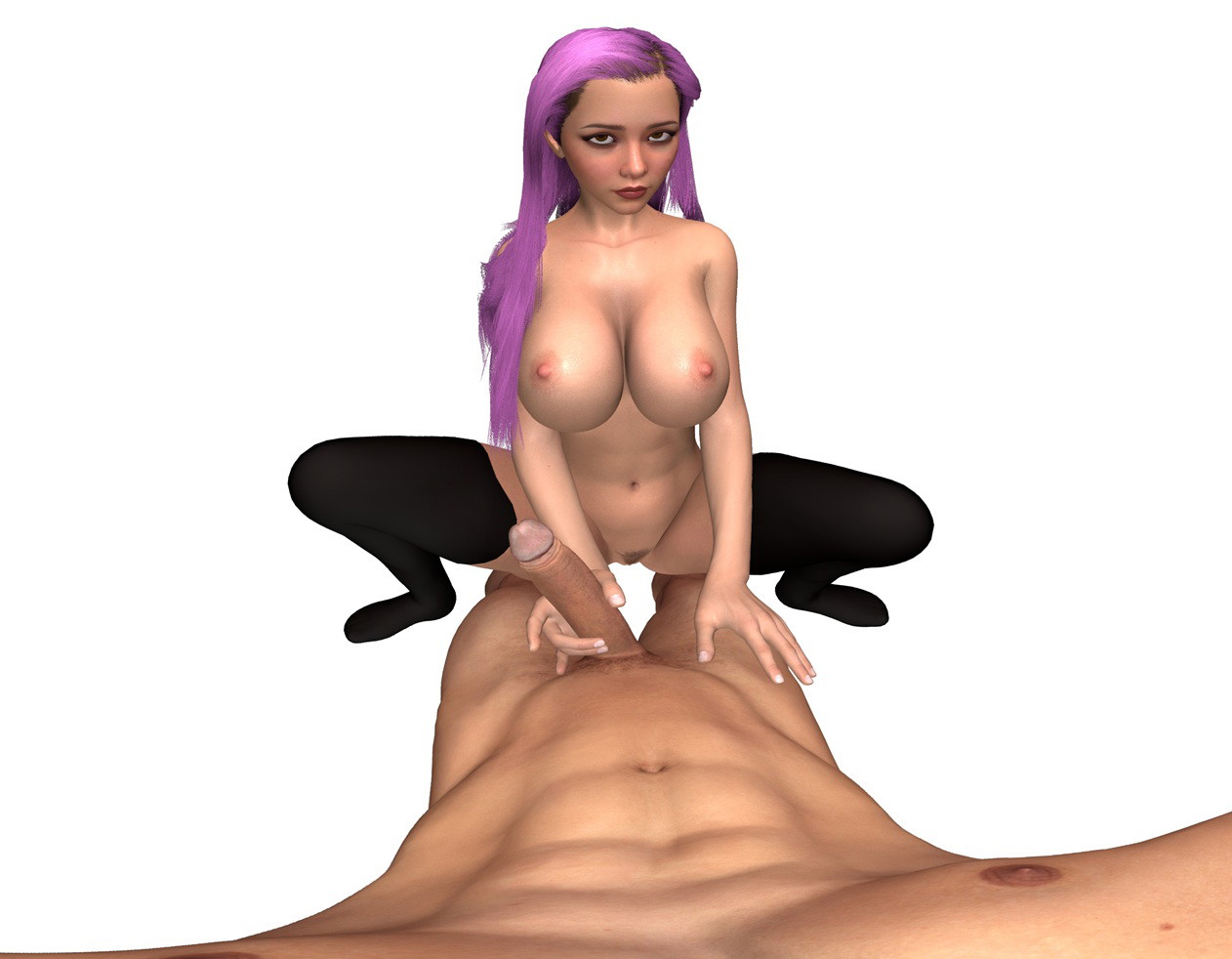
🎮 CGI & 3D Rendering
CGI removes real-world filming entirely.
🎥 Creation Pipeline
- characters are modelled in 3D
- motion is animated or captured
- scenes are rendered using engines or offline pipelines
⚙️ Output for Passthrough
In most cases:
- scenes are pre-rendered as video
- backgrounds are removed or composited
- content is exported into passthrough-compatible formats
Studios like SplineVR and IntimaVR use this approach, focusing on fully digital production to create stylised and interactive experiences that would be difficult to achieve with live-action filming.
Pros & Trade-offs
Pros:
- ✔ unlimited creative control
- ✔ no physical filming constraints
- ✔ supports interactive concepts
Trade-offs:
- ✖ realism depends on rendering quality
- ✖ can feel less grounded than live-action
- ✖ subject to uncanny valley effects
🔮 The Direction of Passthrough Production
The production pipeline is still evolving.
Current trends include:
- increased use of alpha workflows
- more passthrough-first filming
- AI-assisted compositing tools
- improved playback compatibility
As these systems mature, the gap between traditional video and spatial content continues to narrow.
🧠 Final Thought
Passthrough AR porn isn’t built on a single technology.
It’s the result of multiple layered systems working together:
- capture
- compositing
- encoding
- playback
Each stage introduces its own constraints—and each decision shapes the final result.
As production workflows continue to evolve, the focus is shifting toward consistency, scalability, and more predictable output across devices.